EDL, Submittals Files & Folders
As our engineering team has grown and projects have become more complex, we've identified a significant problem that's impacting on our effectiveness and profitability. We need to work cohesively as a unit. To remedy this, the following will provide an overview of the submittal process.
Engineering Deliverable Log (EDL)
The EDL is a central spreadsheet that serves as a master tracker for all submittals required on a project. You can think of it as a detailed to-do list that outlines:
- What needs to be delivered?
- When it’s due?
- Who’s responsible?
- The current status?
- Revision history
Who Uses the EDL?
- Project Manager (PM): Creates and manages the overall EDL
- Engineering Project Manager (EPM): Assists in maintaining the EDL
- Engineers: Update their assigned submittals on a daily basis
- Administrative Staff: Monitor cover requests and submission statuses
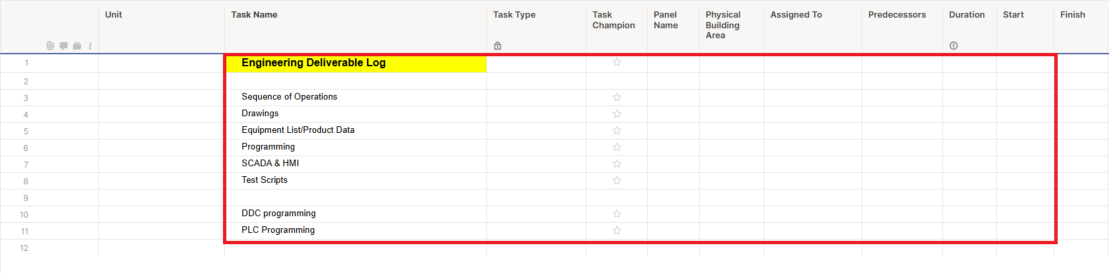
EDL Structure and Numbering System
System Categories (First Digit)
The first digit indicates the building system:
- .XXX = General/Building-wide systems
- .XXX = Chilled Water (CHW) systems
- .XXX = Hot Water (HW) systems
- .XXX = Electrical systems
- .XXX = Controls systems
(Additional numbers assigned as needed)
Submittal Types (Second Digit)
The second digit indicates the type of submittal:
- X.1XX = Sequence of Operations (SoO)
- X.2XX = Drawings (Control drawings, schematics)
- X.3XX = Instrument Lists and Product Data
- X.4XX = Programming documents
(Additional categories as needed)
Individual Items (Third and Fourth Digits)
For multiple items of the same type:
- 2.100 = CHW System 1 Sequence of Operations
- 2.101 = CHW System 2 Sequence of Operations
- 2.102 = CHW System 3 Sequence of Operations
Submittal Name
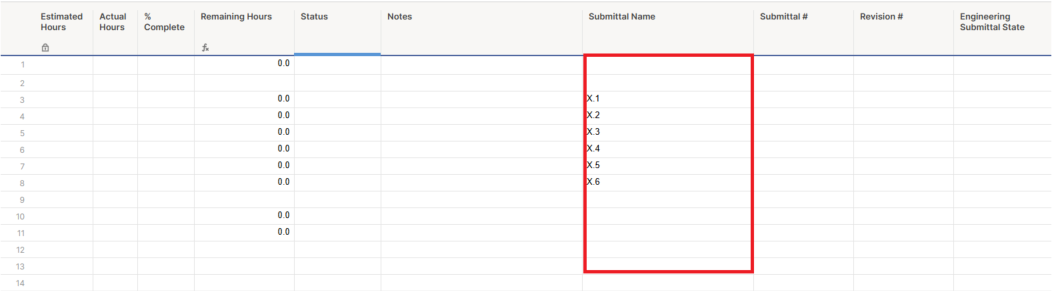
- Submittal names will be created as needed.
- Each submittal name must include the specification number and a concise description of the submittal
Submittal Name Format
Structure: [Spec Number]_[Clear Description]
Examples:
- 451516_DEHUM UNITS CONTROL DRAWINGS
- 230900-10_TERMINAL BOX Sequence of Operation
- 237300_AHU-13 CONTROL DRAWINGS
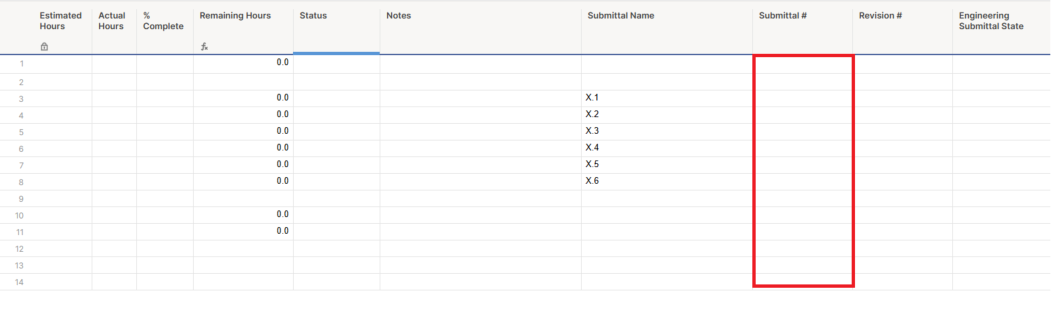
- Submittal Number : Assigned values are final and must not change during the project lifecycle.
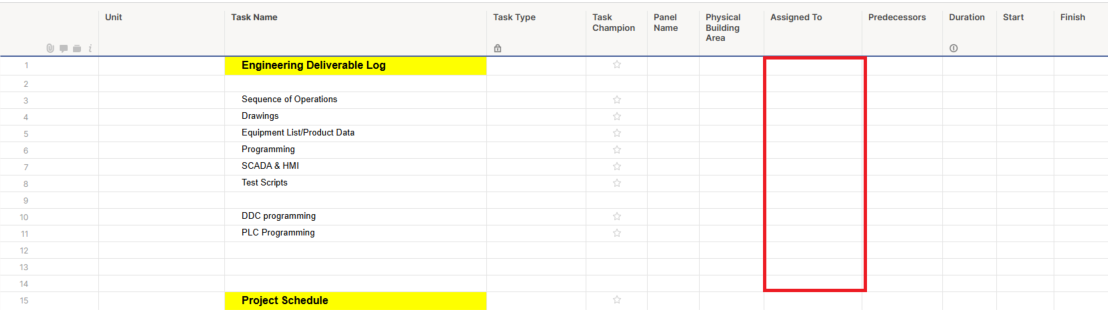
- Assign To: The person responsible for the submittal (not necessarily the one doing the work) must update the EDL status and be notified of any changes or issues.
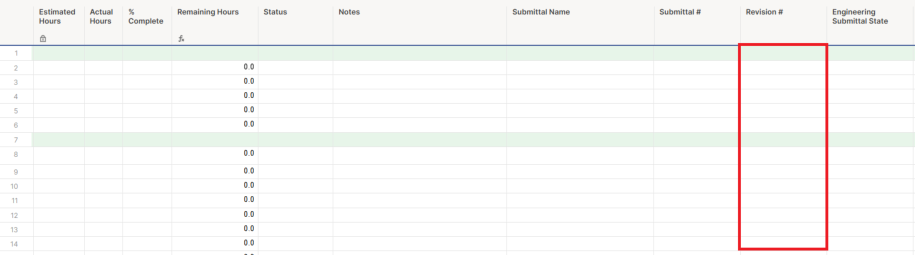
- Latest Revision: Used to track the current revision in progress. Be sure to update the EDL whenever the file’s revision changes.
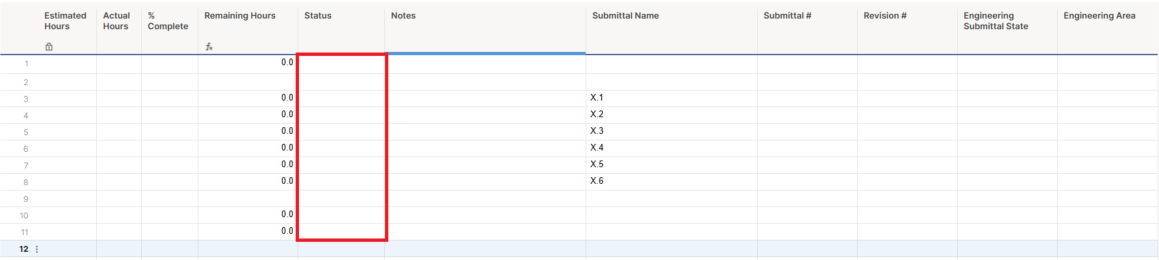
- Status: A dropdown menu with multiple status options. This is to be updated by the Assign To the person responsible.
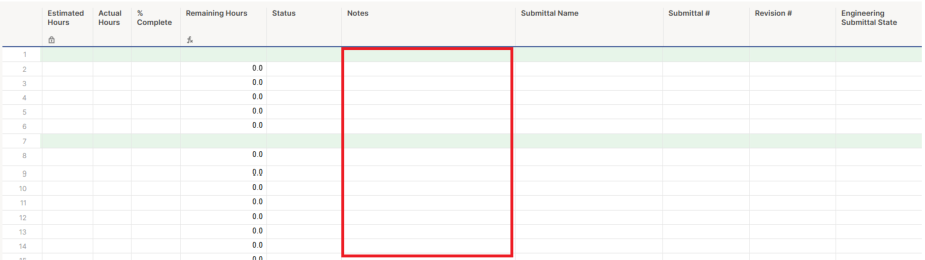
- Notes: This used to document key milestones and actions related to the submittal. This includes noting when the item was discussed, the date it was submitted, and when it was returned, along with any stamp information (such as "Approved," "Revise and Resubmit," etc.).
Submittal Files and Folders
The N: (Hardware) Drive is accessed by many users across various offices and roles within the company. When a system is used so widely, standardization becomes essential.
Implementing standards such as folder structure, file organization, clear file naming, and revision control ensures the system is easy to navigate and use for everyone, regardless of their role or location. Adhering to these standards improves job efficiency and effectiveness, which in turn enhances profitability for both the company and its employees.
All engineering and submittal files must be saved on the N drive—not on personal computers—so that multiple team members working on projects have shared access to the files.
Location: N:\_Engineering\99 - Engineering Handbook\HBT N Drive File Management Rev0 - 05Feb2021
Files & Folders
- Main Submittals/Control Drawings Folder
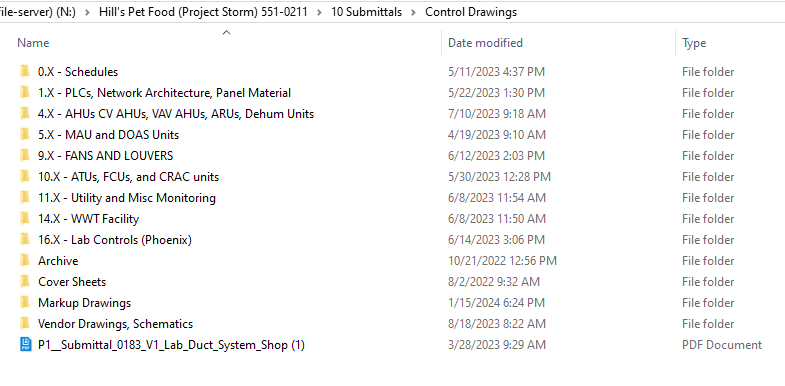
- Submittal Sub-Folders
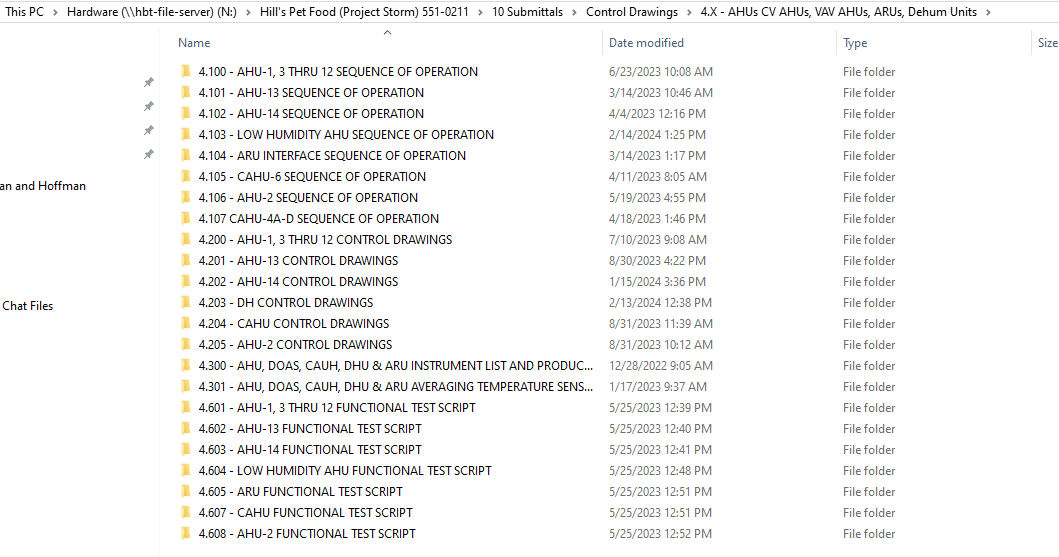
File Naming
- Name submittal PDF files according to the EDL submittal name.
- Always include the specification number (spec #), not the submittal number.
- Provide a brief, clear description of the file’s contents.
- Add the revision number (Rev #) to the file name.
- Avoid using uncommon abbreviations (such as SoO*).
Submittal Process
- Once engineering is complete, save the finalized PDF submittal in the appropriate submittal folder and its corresponding sub-folder.
- If the necessary sub-folder does not exist, the engineer is responsible for creating it according to the EDL structure.
- The sub-folder organization within the submittal folder should closely match the structure in the engineering folder.
Reference:
N:\_Engineering\99 - Engineering Handbook\_HBT Engineering Process Workflow Procedure Rev000 - 08NOV2019
Revision History
| Revision | Date | Name | Description |
|---|---|---|---|
| 1.0.0 | 07/05/2025 | Sneha Karnik | Initial Implementation |